You haven't signed in yet, you can have a better experience after signing in
*Please complete the payment within {{receiveCouponInfo.expire_at}}Previous use*
You haven't signed in yet, you can have a better experience after signing in



Activity Rules
1、Activity time:{{ info.groupon.start_at }} ~ {{ info.groupon.end_at }}。
1、Activity time:cease when sold out。
2、Validity period of the Group Buying:{{ info.groupon.expire_days * 24 }} hours。
3、Number of Group Buying:{{ info.groupon.need_count }}x。
Please Pay Attention
1、Teamwork process: Join/initiate a Group Buying and make a successful payment - Within the validity period, the number of team members meets the activity requirements - Group Buying succeeded!
2、If the number of participants cannot be met within the valid period, the group will fail, and the paid amount will be refunded in the original way.
3、The number of people required and the time of the event may vary among different products. Please pay attention to the rules of the event.
ImageOptimizer image compression optimization expert tool software
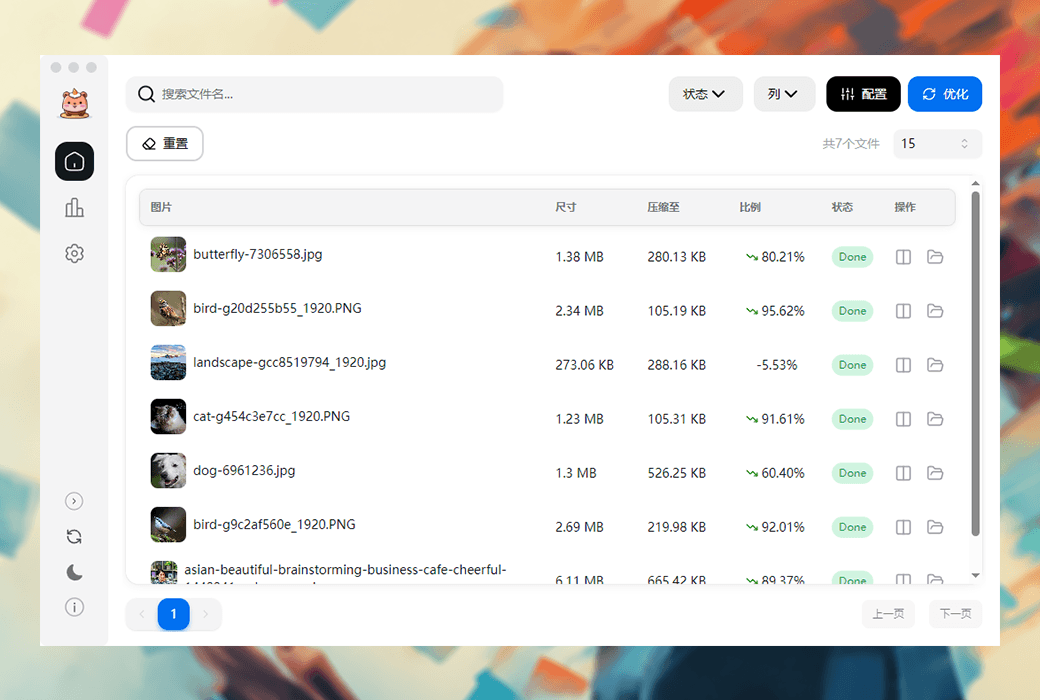
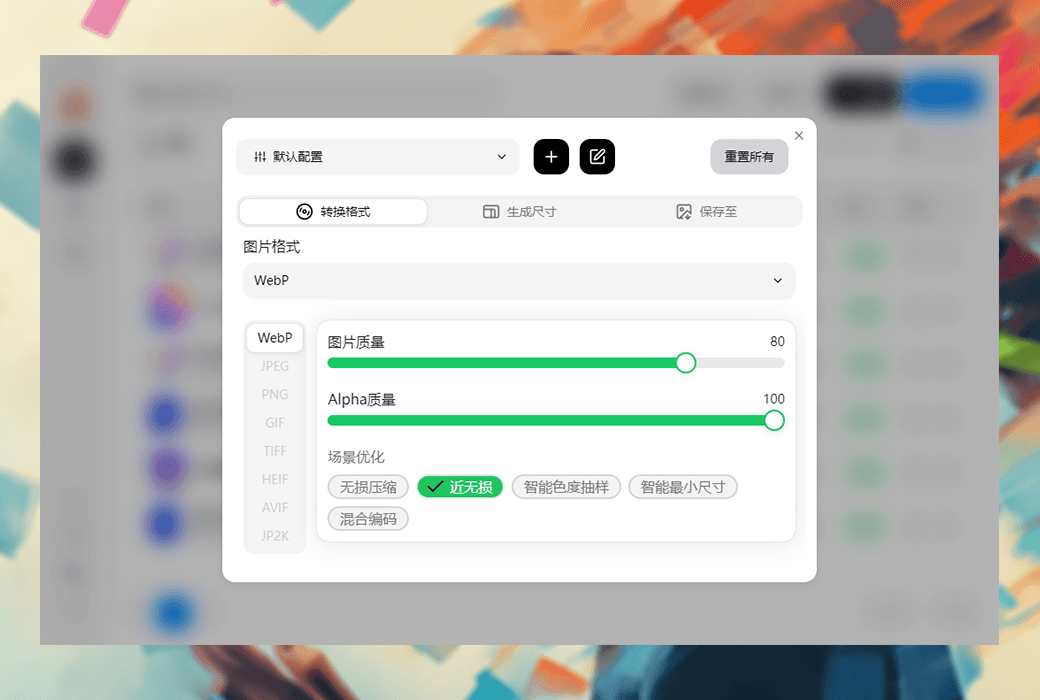
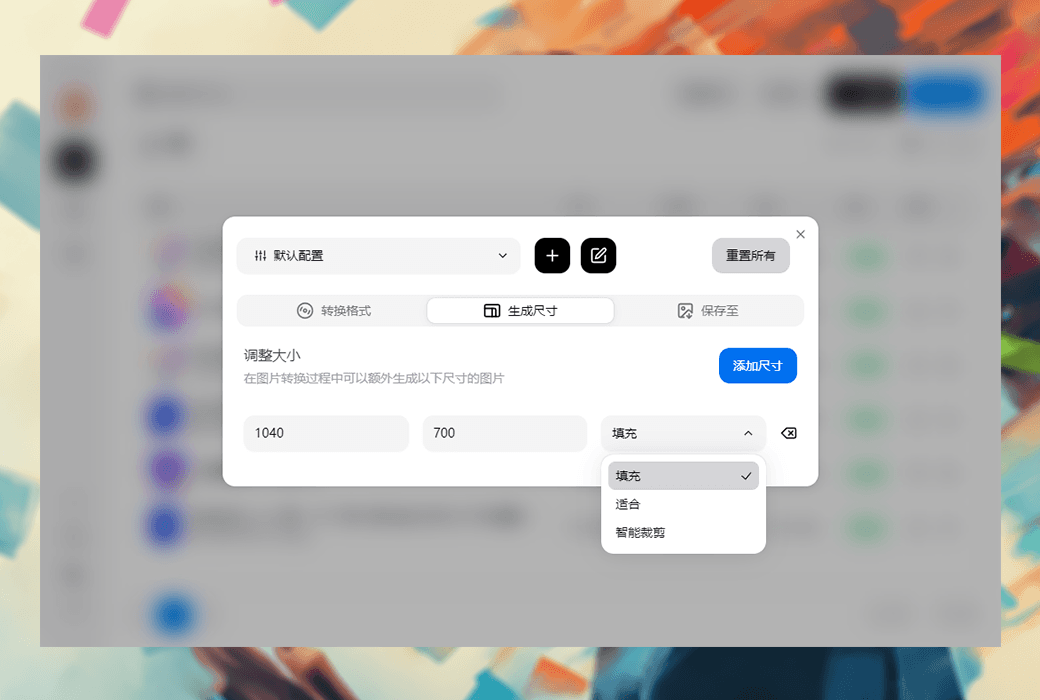
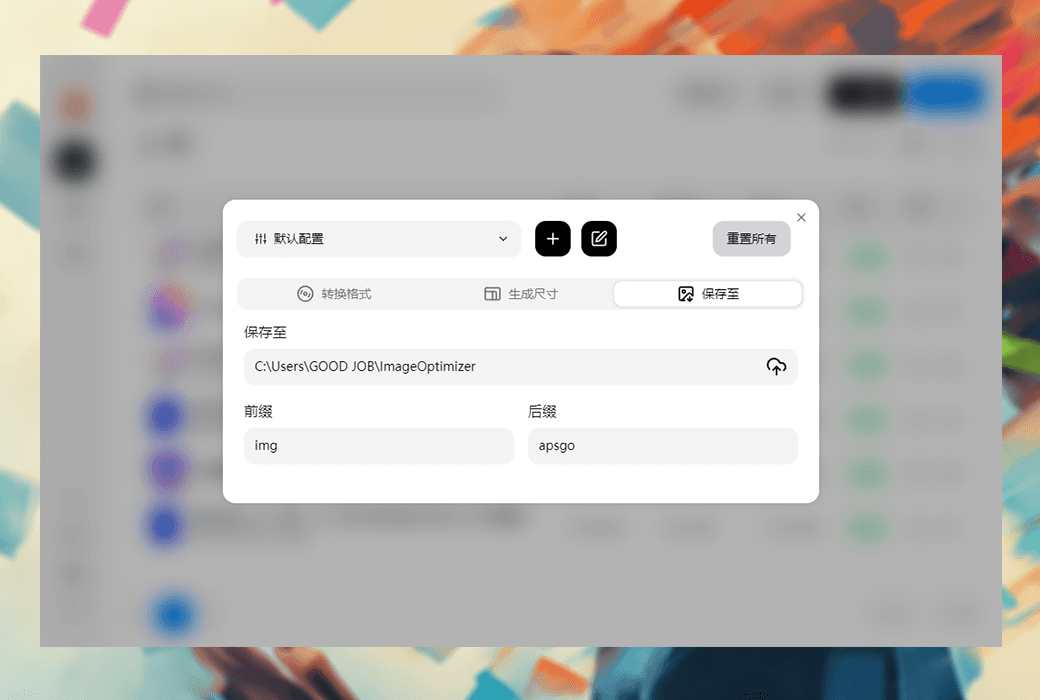
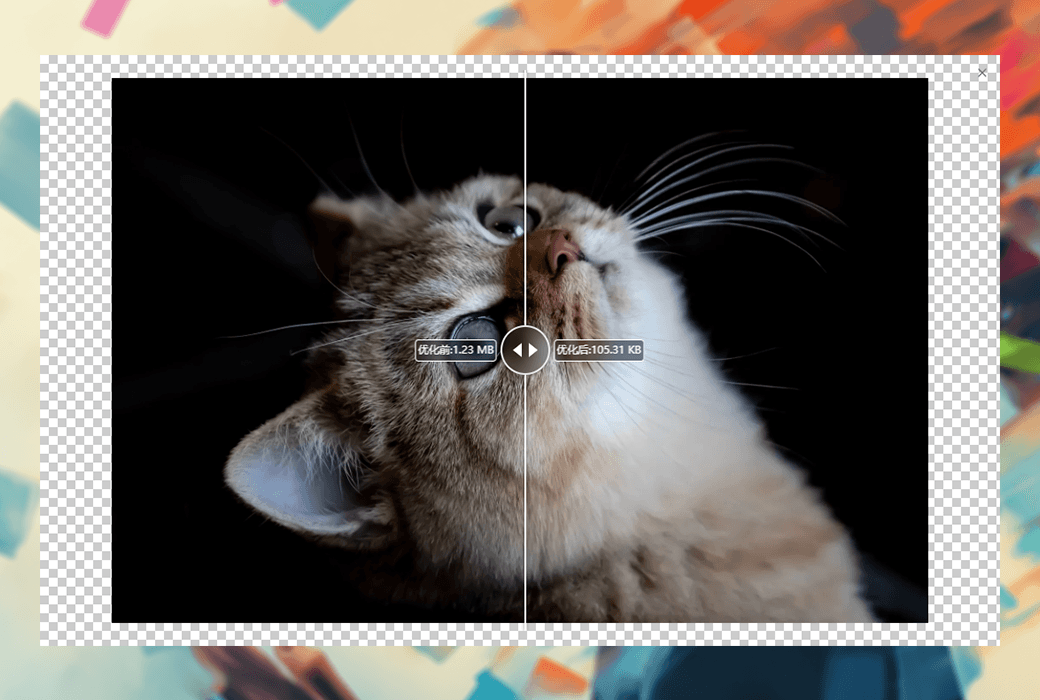
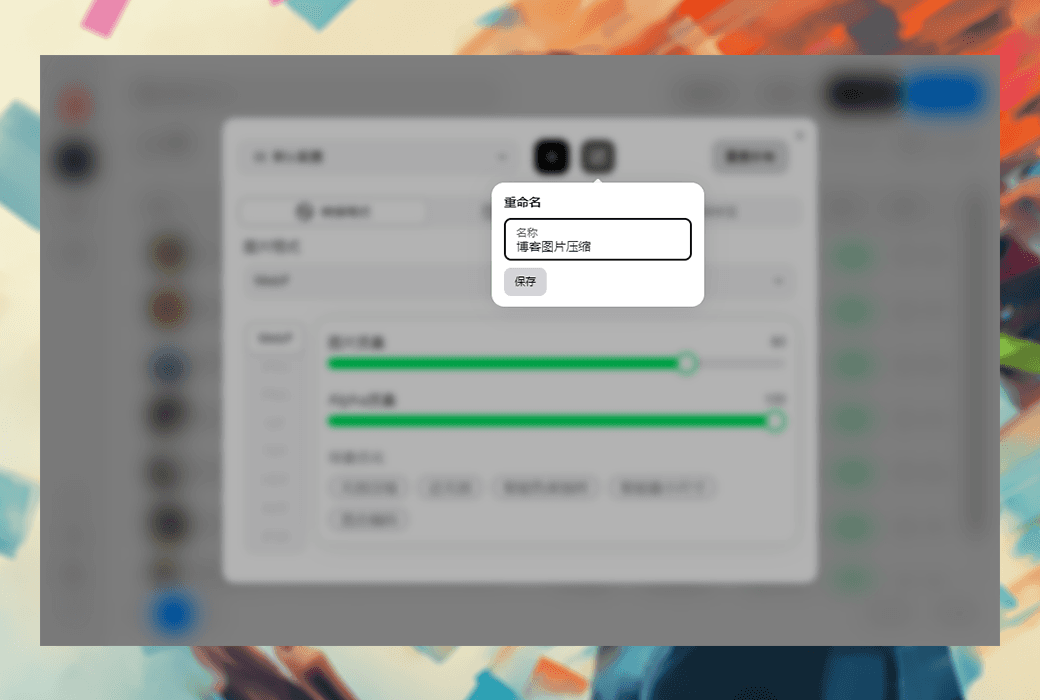
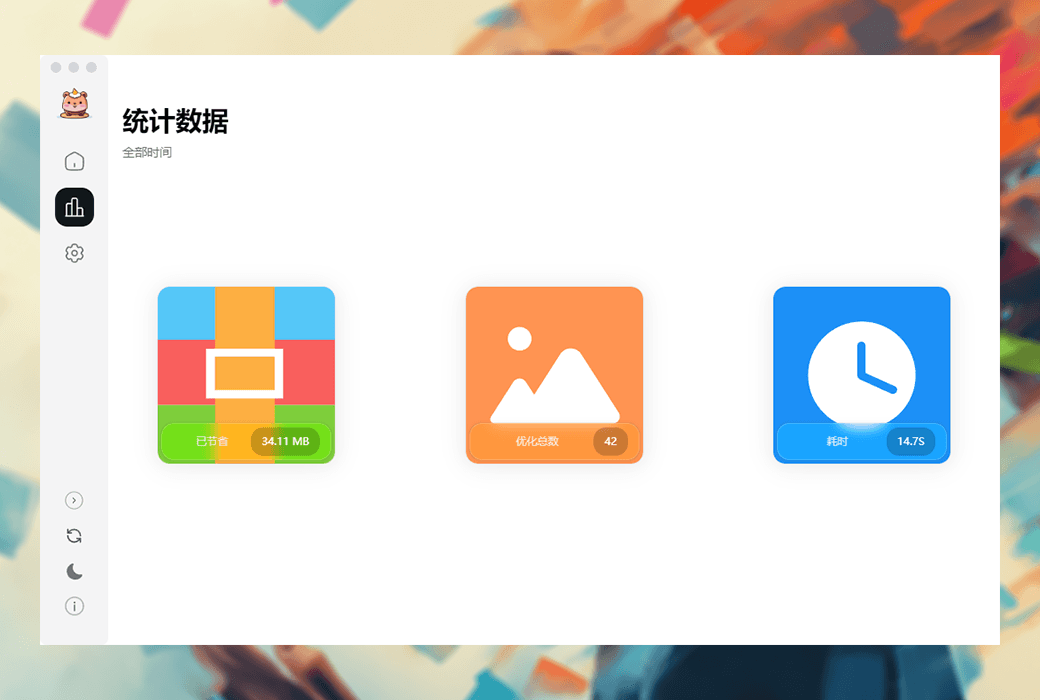
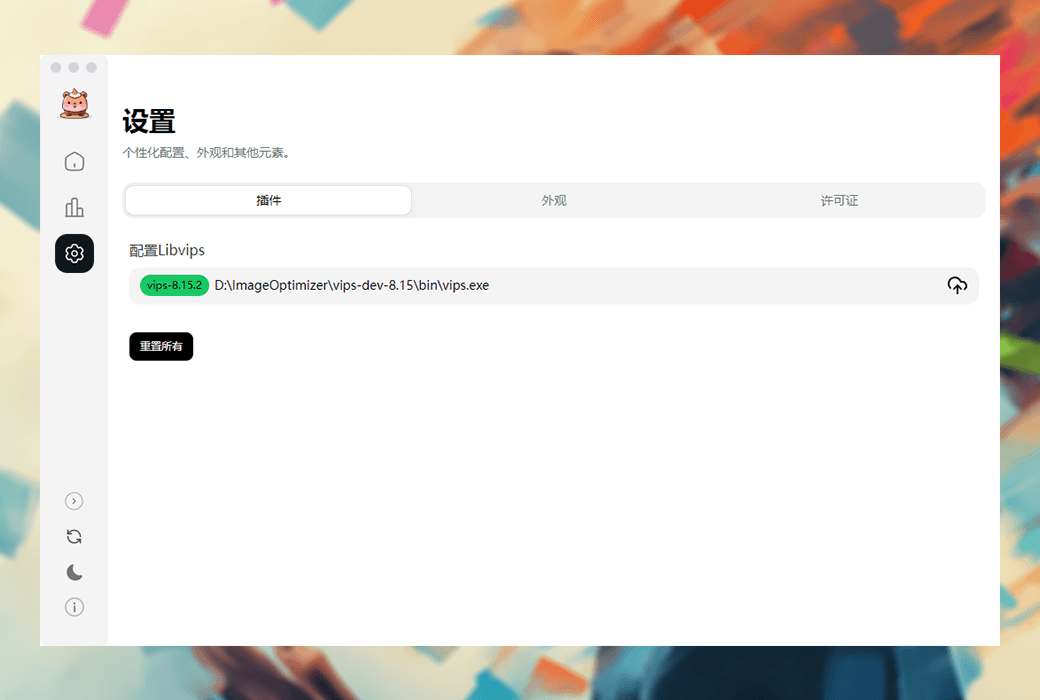
Image Optimizer is a cross platform (macOS, Windows, and Linux) image optimization tool designed to automatically compress images while maintaining high quality. It can not only improve the performance of websites and applications, but also reduce file size and facilitate sharing and transmission. Mainly suitable for e-commerce marketers, advertising practitioners, designers, and content creators, helping them efficiently manage a large number of images.
Main functions:
price:
Applicable scenarios:
Official Website:https://imageoptimizer.once.work/zh
Download Center:https://imageoptimizer.apsgo.cn
Delivery Time: Automatic delivery within 24 hours
Operating Platforms: Windows, macOS, Linux
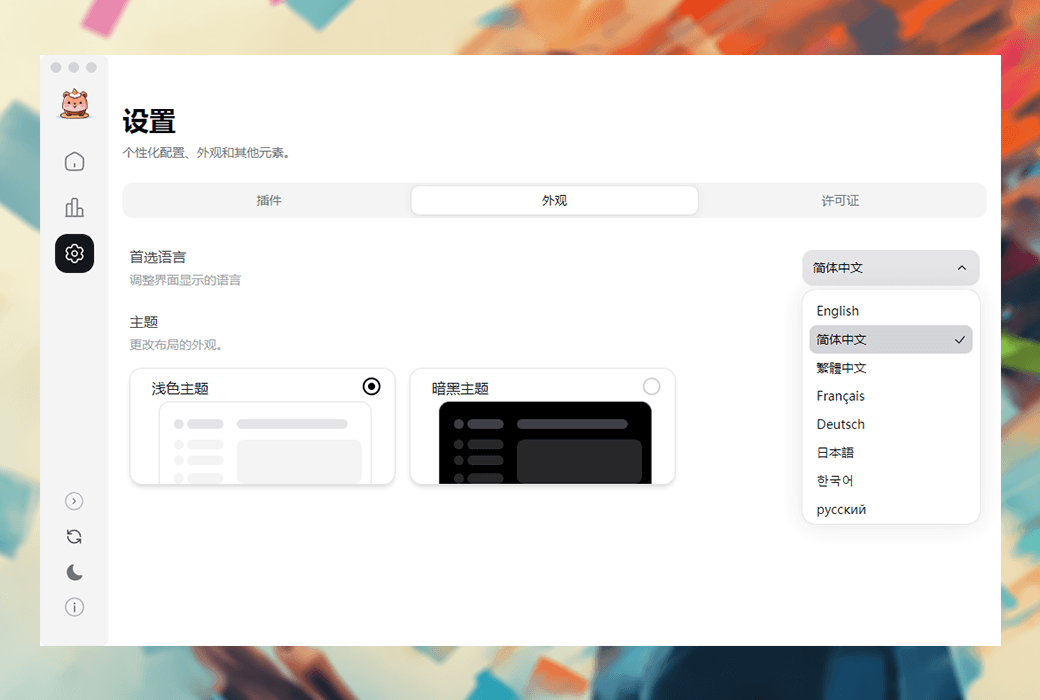
Interface Language: Supports Chinese interface display, with multiple languages available.
Update Policy: The manufacturer promises lifetime usage and updates for one-time purchase.
Trial Before Purchase: Free trial available before purchase.
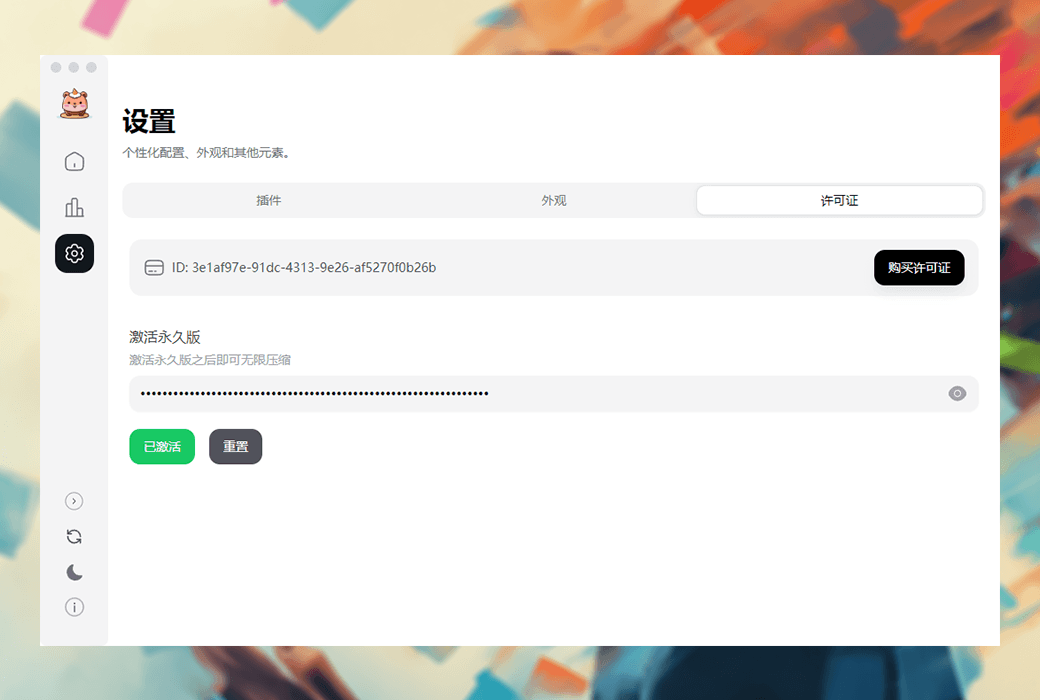
How to Receive the Product: After purchase, the activation information will be sent to the email provided during the order process. Additionally, the corresponding product activation code can be viewed in the personal center, under "My Orders".
Number of Devices: Up to 3 devices.
Changing Computers: Contact online customer service to reset the license. (The manufacturer has indicated that a self-service license reset feature will be available in the future.)
Activation Guide: To be added.
Special Instructions: To be added.
References:https://imageoptimizer.once.work/zh_CN

Any question